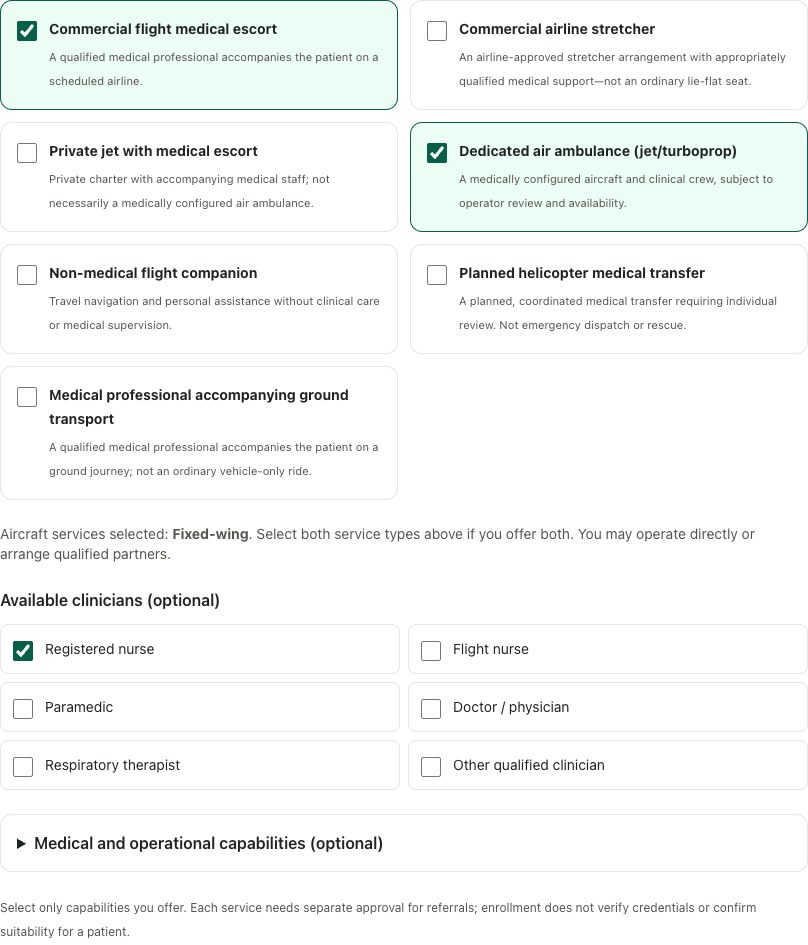
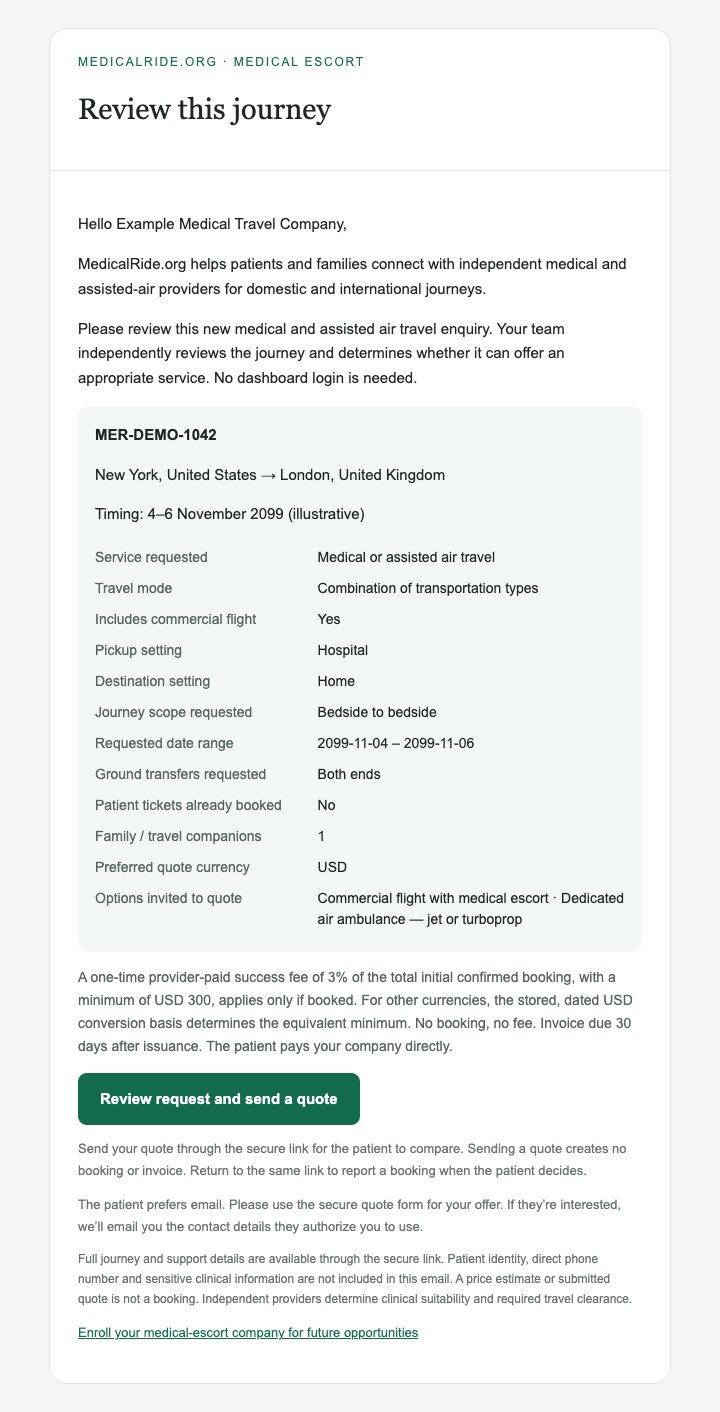
Step 04
The patient compares. You discuss the details.
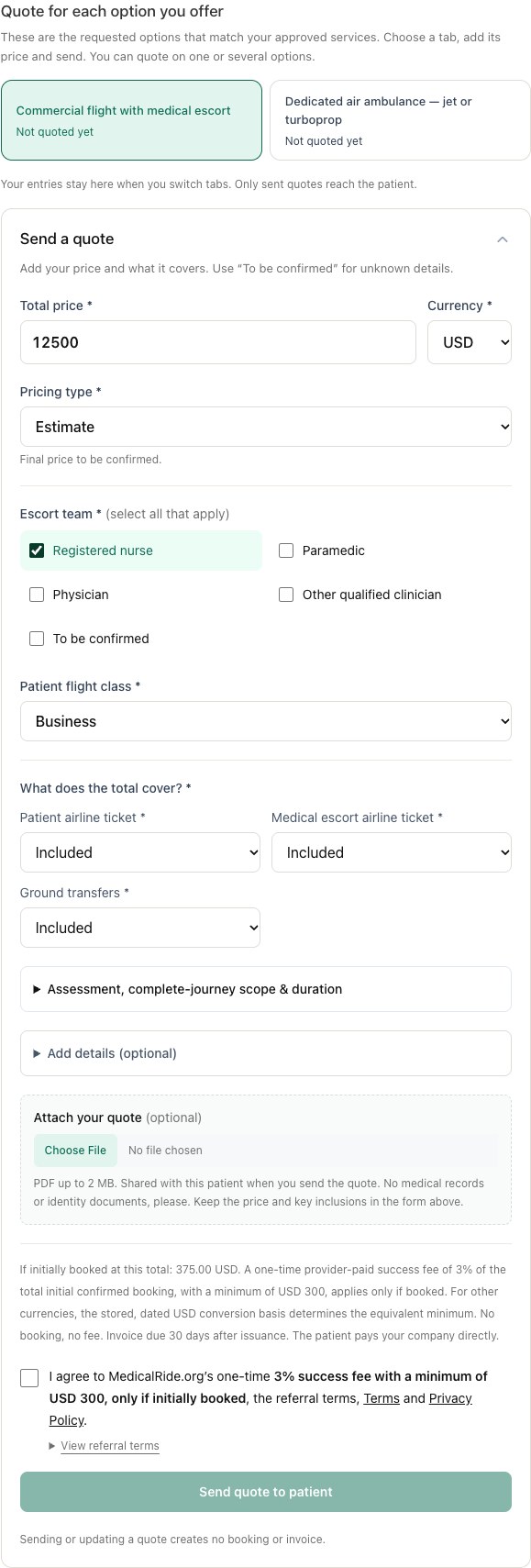
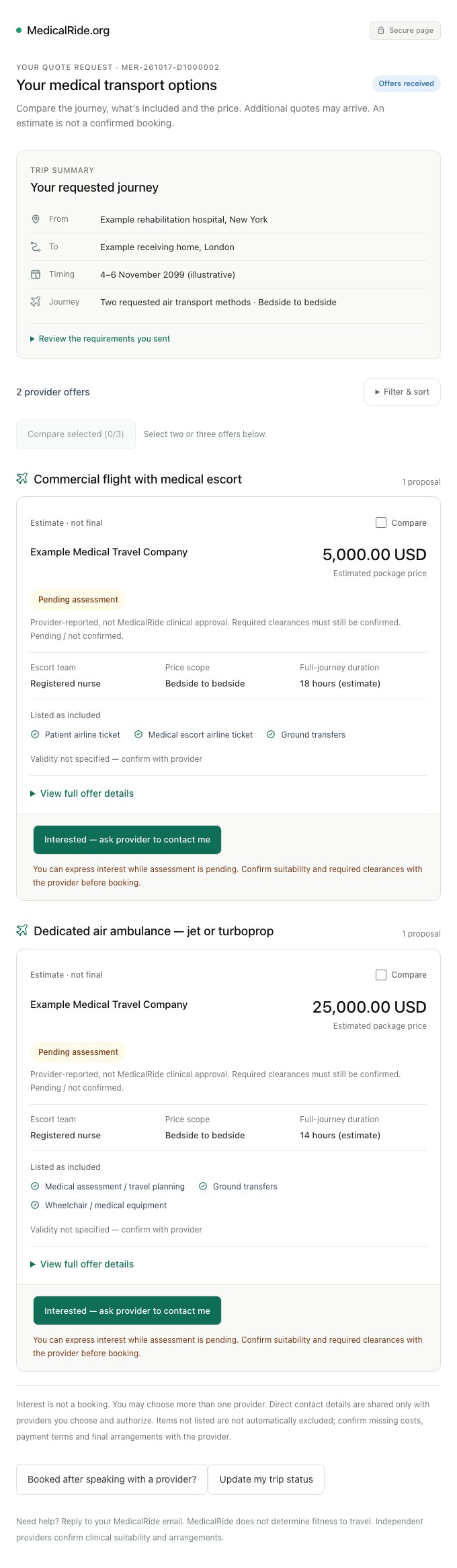
Your submitted offer appears on the patient’s private tracking page, grouped by transportation method. MedicalRide sends a quote-update email and, when an eligible SMS contact channel is available, a text with the tracking link.
The patient can compare prices, inclusions and assessment status, and select Interested — ask provider to contact me. They can be interested in more than one provider.
Interested is an introduction—not a booking.Both sides receive an email. The patient sees your business contact details; you receive the direct contact information they explicitly authorize for that journey. Contact them to confirm the service, timing, final price and conditions.
Can you call before they show interest?
If the patient selected phone contact, accept the request’s terms using the calling checkbox. Use browser calling where offered, or dial the MedicalRide number and enter the six-digit extension shown on that request. Browser calling connects the request without manually typing the extension; your own phone carrier may charge for a dialed call.
If they prefer email, send an indicative offer through the form first. If calling is unavailable, you can still quote or ask a question securely.
 MedicalRide.org